
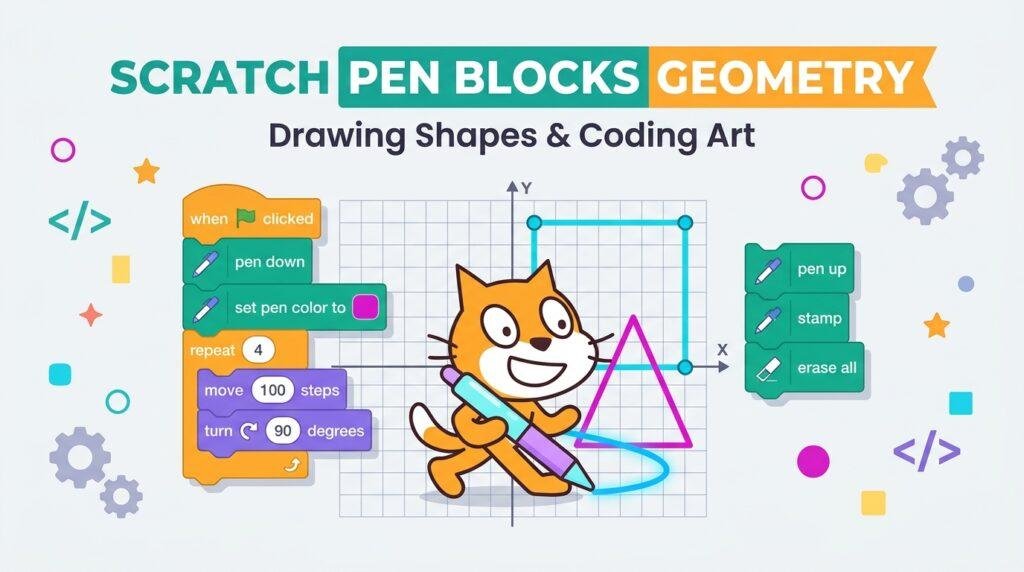
What happens when art, mathematics, and computer programming collide? Magic! By utilizing the Scratch Pen extension, students transform sprites into digital drawing pens that leave vivid trails across the screen. Our free printable scratch pen blocks geometry worksheets introduce third and fourth graders to polygon drawing algorithms, geometric angle calculations, and generative spiral art screen-free. Designed for US elementary STEM and math curricula, this collection makes geometry active, visual, and unforgettable.
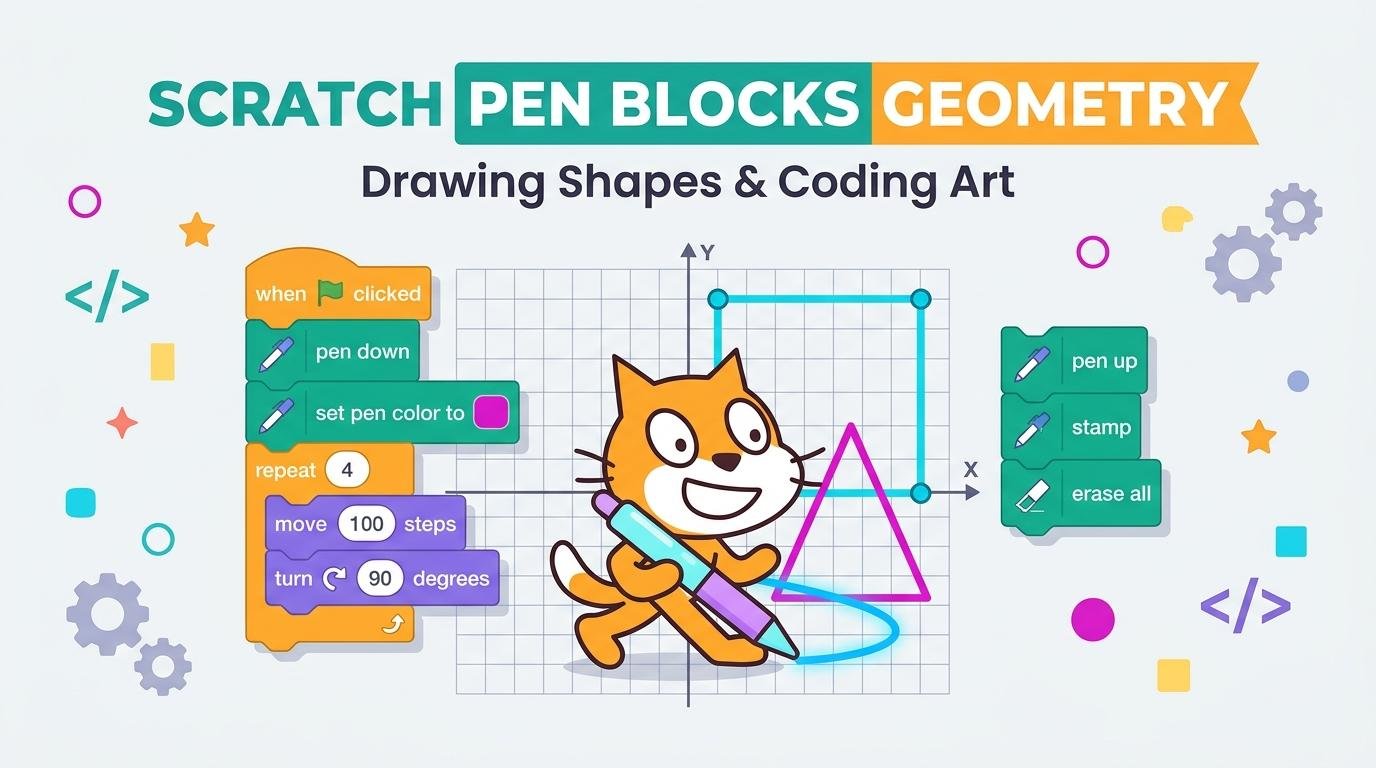
The Magic Angle Formula in Computer Science Geometry
To draw any closed regular polygon in Scratch (like a triangle, square, or pentagon), a sprite must walk forward and turn until it completes a full 360-degree circle. This reveals one of the most elegant mathematical formulas in computer science: **Turn Angle = 360° ÷ Number of Sides**. When 9-year-olds use our **scratch pen blocks geometry** worksheets, they discover why turning 90° four times makes a square, and why turning 120° three times creates an equilateral triangle.
Furthermore, teaching **drawing shapes with code worksheets** helps students connect abstract degree angle measurements to physical turning movements. Instead of memorizing polygon properties from a static textbook, children calculate exterior angles, spot angular bugs, and create geometric spiral algorithms using structured programming logic.
What’s Included in This Free PDF Pack?
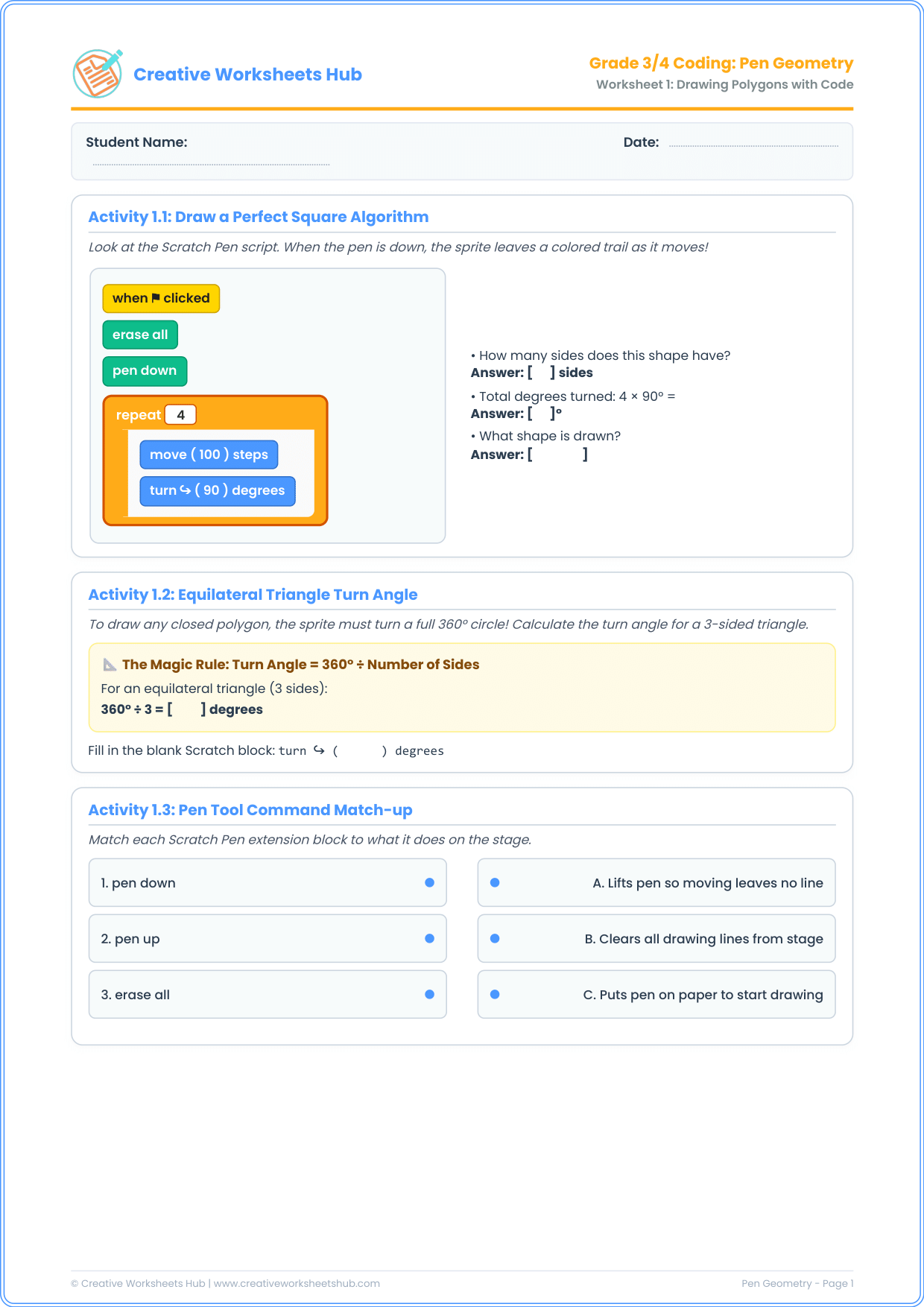
This pack includes two dense, beautifully formatted A4 worksheets packed with 3 distinct activities each (6 total exercises):
Worksheet 1: Pen Basics & Polygon Algorithms
- Activity 1.1: Draw a Perfect Square Algorithm — Traces
pen downand arepeat 4 [move 100, turn 90]loop, proving that four 90° turns equal 360° to close a square. - Activity 1.2: Equilateral Triangle Turn Angle — Solves the mystery of triangle angles in Turtle geometry, showing why the exterior turn is 120° (360° ÷ 3) rather than the interior 60°.
- Activity 1.3: Pen Tool Command Match-up — Connects green Scratch Pen blocks (
pen down,pen up,erase all) to their physical drawing functions.
Worksheet 2: Master Angle Chart & Generative Spiral Art
- Activity 2.1: Master Polygon Angle Chart — A calculation table where students calculate the exterior turn angles for Triangles (120°), Squares (90°), Pentagons (72°), and Hexagons (60°).
- Activity 2.2: Generative Spiral Art Algorithm — Shows how turning 91° instead of 90° twists lines on each pass, introducing generative computational art.
- Activity 2.3: Debug the Open Square Bug — Challenges students to fix an open polygon bug where an 80° turn failed to close a box, calculating the missing 10 degrees.
Lesson Guide: The Turtle Geometry Method
To teach this **math and coding integration lesson** with maximum engagement:
- Walk the Polygon: Clear some space in the classroom. Have a student walk forward 4 steps, turn right 90 degrees, and repeat 4 times. They will end up facing their original direction! This proves that a closed shape equals a full 360-degree turn.
- The Triangle Trap (Interior vs. Exterior): Many students guess that turning a triangle requires turning 60°. Explain that walking in a line and turning 60° only bends the path slightly. You must turn 120° to walk back towards the start!
- Pen Up vs. Pen Down: Remind students of an artist’s hand: `pen down` touches paper to draw lines; `pen up` lifts the pen so the sprite can move to a new location without making a mark.
Teacher & Parent Answer Key
Worksheet 1 Solutions:
- Activity 1.1: Number of sides = 4 sides; Total degrees = 360° (4 × 90°); Shape drawn = Square.
- Activity 1.2: 360° ÷ 3 = 120 degrees. Turn block:
turn ↪ ( 120 ) degrees. - Activity 1.3: 1 (pen down) matches C (Puts pen on paper); 2 (pen up) matches A (Lifts pen to move without drawing); 3 (erase all) matches B (Clears all lines).
Worksheet 2 Solutions:
- Activity 2.1: Pentagon = 360 ÷ 5 = 72°; Hexagon = 360 ÷ 6 = 60°.
- Activity 2.2: Correct answer is: Generative Art. Small angle shifts create dynamic geometric spirals.
- Activity 2.3: Correct angle is: 90 degrees (not 80°).
Frequently Asked Questions (FAQs)
What are Scratch Pen blocks?
Scratch Pen blocks are extension blocks that let sprites draw lines, change trail colors, stamp costume images, and clear drawings on the screen as they move.
How do you find the Pen extension in Scratch?
In Scratch 3.0, click the blue “Add Extension” button in the bottom-left corner of the screen and select the green “Pen” tile. The Pen blocks will appear at the bottom of the palette.
Why do we turn 120 degrees to draw an equilateral triangle?
In computer graphics (Turtle Geometry), sprites turn exterior angles. Since a full circle is 360 degrees, dividing by 3 sides yields a 120-degree exterior turn (180° – 60° interior = 120° exterior).
How does this connect to Common Core Math Standards?
These worksheets directly support Common Core Grade 3 & 4 Math standards for geometric measurement, understanding angles as geometric shapes formed by rays, and division of multi-digit numbers.
What is generative art in coding?
Generative art is artwork created using an algorithmic code loop with mathematical rules. By incrementing angles and pen colors inside loops, computers generate intricate geometric designs.
How can I print these worksheets?
Click the download link above to get the full-resolution PDF. It is prepared for A4 paper and scales seamlessly onto standard US Letter size without clipping.
